
QR Code Menu Best Practices for Cleaner Handoffs
How to design a scan-to-order menu that loads quickly, stays accurate, and hands each order cleanly to the kitchen.
June 18, 2026
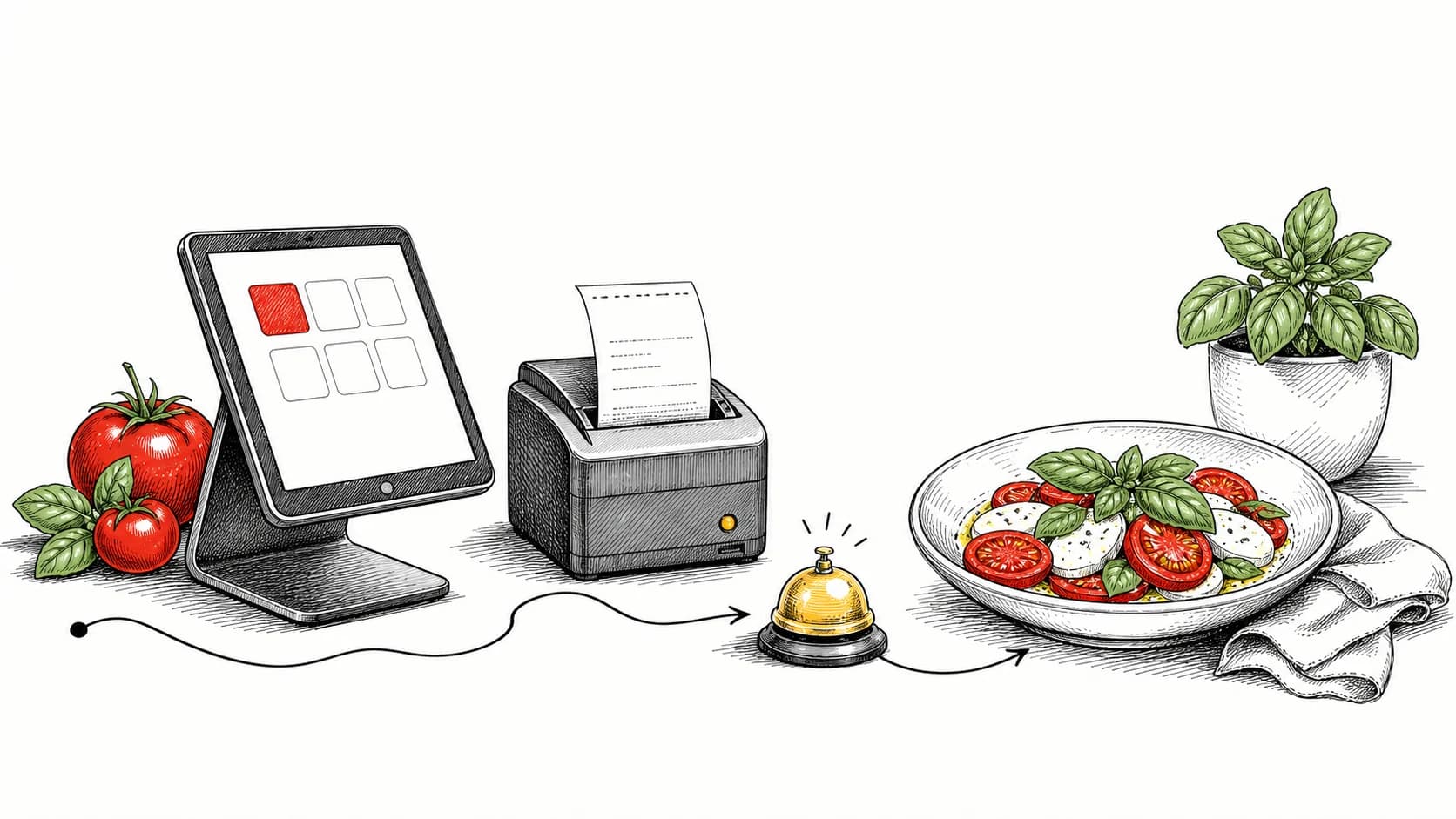
A useful QR menu loads quickly, reflects current availability, and keeps each order tied to the correct table and kitchen station.
- Fast loading helps guests begin ordering without waiting for staff.
- Live availability prevents orders for sold-out items.
- Keep the order tied to the table so nothing gets misrouted.
Make the menu load quickly
If a QR menu is slow or difficult to use, guests may return to ordering through staff. Large PDFs and image-heavy pages are common causes of delay.
Use a lightweight, mobile-first menu that opens directly in the browser and makes the first items easy to find.
- Use a real web menu, not a PDF
- Lead with best sellers
- Keep images light and optional
Keep item availability current
Accepting an order for an item the kitchen has already sold out creates an avoidable service recovery at the table.
Connect availability to the live menu so an 86 removes the item from every ordering channel before the next order is submitted.
Tie every order to its table and its station
Each QR code should identify the table or seat so the order, check, and food runner all use the same location information.
With Plate, each QR code is tied to a table and each item routes to its assigned station.
Continue evaluating Plate workflows.
A Food Truck Playbook for Order-Ahead and Ready Handoffs
Use order-ahead, a live ready board, and text alerts to organize demand around a small food-truck crew.
Kitchen Display vs Paper Tickets: What Changes on the Line
See how a kitchen display changes station routing, ticket-time visibility, and order handling during a rush.
The Online Ordering Setup Checklist for New Restaurants
A short, practical checklist for launching owned online ordering that your kitchen can actually keep up with.