
Kitchen Display vs Paper Tickets: What Changes on the Line
See how a kitchen display changes station routing, ticket-time visibility, and order handling during a rush.
June 18, 2026
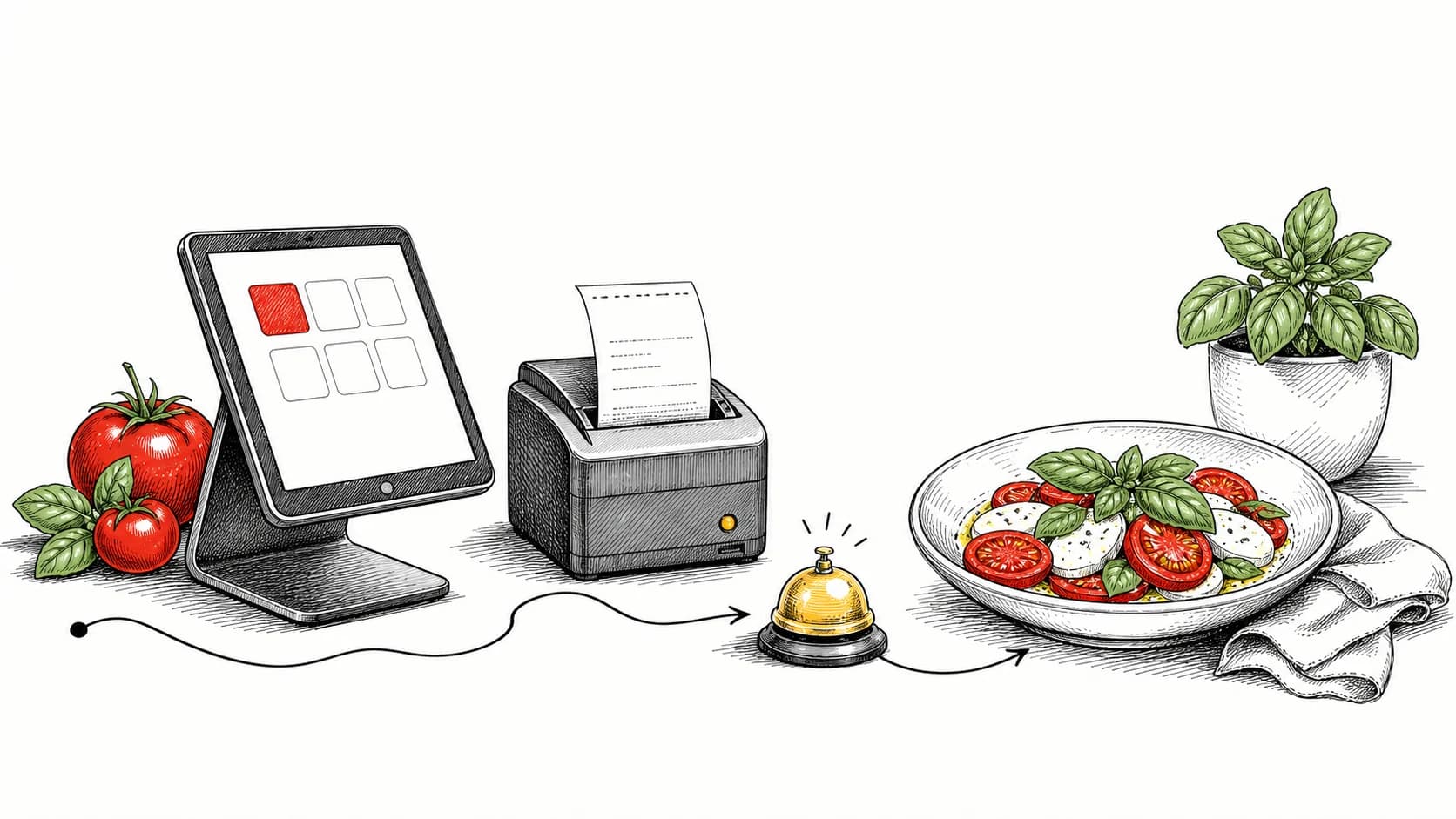
Paper tickets make station assignment and current ticket time harder to see. A kitchen display makes both visible to the team during service.
- A single printer is a single point of failure during a rush.
- On-screen ticket times give the team a visible measure to manage.
- One queue for every channel keeps orders from slipping through.
Route items by station
With paper, someone must sort and distribute tickets between stations. Automatic routing removes that manual step.
A display sends each item to its assigned station when the order arrives, so each cook sees the work relevant to that station.
- Automatic station routing
- No manual slip sorting
- Expo keeps the plate whole
Make ticket times visible
Paper makes it difficult to compare the age of every active ticket. A screen gives expo a visible clock and status for each order.
Visible ticket times let the team identify and address delays before the order reaches the guest handoff.
Every channel belongs in one queue
Dine-in, pickup, and order-ahead all use the same kitchen. Splitting them across separate screens or printers increases the chance of a missed order.
Use one prioritized queue with clear source tags, then update expo and the guest when the order is ready.
Continue evaluating Plate workflows.
QR Code Menu Best Practices for Cleaner Handoffs
How to design a scan-to-order menu that loads quickly, stays accurate, and hands each order cleanly to the kitchen.
A Food Truck Playbook for Order-Ahead and Ready Handoffs
Use order-ahead, a live ready board, and text alerts to organize demand around a small food-truck crew.
The Online Ordering Setup Checklist for New Restaurants
A short, practical checklist for launching owned online ordering that your kitchen can actually keep up with.